
Welcome to Quick Tips — a fast, focused series designed to help you work smarter.
Each post will give you one practical insight you can apply immediately, whether you’re coding, configuring your tools, or improving your workflow.
Here’s today’s Quick Tip:
InStream vs. OutStream — What’s the Difference?
If you’ve worked with BLOBs, files, or web service payloads in Business Central AL, you’ve almost certainly encountered InStream and OutStream. Many developers mix them up, so let’s clear it up once and for all.
- InStream — A stream you read from. Data flows in to your code from a source (a BLOB, a file, an HTTP response, etc.).
- OutStream — A stream you write to. Data flows out from your code into a target (a BLOB, a file, an HTTP request body, etc.).
Think of it from your AL code’s perspective: In means data is coming in to you. Out means data is going out from you.
A Creative Way to Remember
Picture a mailbox:
- InStream is the mail you receive — you open the mailbox and read what’s inside.
- OutStream is the letter you send — you write your message and put it out for delivery.
In = Read. Out = Write. That’s it.
Quick Example
Here’s a common pattern — writing text into a BLOB and then reading it back:
procedure InStreamOutStreamDemo()
var
    TempBlob: Codeunit "Temp Blob";
    OutStr: OutStream;
    InStr: InStream;
    Result: Text;
begin
    // Write TO the BLOB using OutStream
    TempBlob.CreateOutStream(OutStr, TextEncoding::UTF8);
    OutStr.WriteText('Hello from OutStream!');

    // Read FROM the BLOB using InStream
    TempBlob.CreateInStream(InStr, TextEncoding::UTF8);
    InStr.ReadText(Result);

    Message(Result); // 'Hello from OutStream!'
end;
Notice the pattern: CreateOutStream gives you a stream to write data into the BLOB, and CreateInStream gives you a stream to read data out of it.
Loading a Text File with InStream
A very common real-world scenario is letting a user upload a text file and reading its contents line by line:
procedure ImportTextFile()
var
    InStr: InStream;
    FileName: Text;
    Line: Text;
    FullContent: TextBuilder;
begin
    // Prompt the user to select a file — this gives us an InStream
    if not UploadIntoStream('Select a text file', '', 'Text Files (*.txt)|*.txt', FileName, InStr) then
        exit;

    // Read the file line by line until End of Stream
    while not InStr.EOS() do begin
        InStr.ReadText(Line);
        FullContent.AppendLine(Line);
    end;

    Message('File: %1\Contents:\%2', FileName, FullContent.ToText());
end;
Here UploadIntoStream hands you an InStream because the file data is flowing in to your code. You then loop with EOS() (End of Stream) and ReadText() to consume it line by line.
Import a File into a BLOB and Export It Back
This example ties both streams together — upload a file into a BLOB field using OutStream, then download it back out using InStream:
procedure ImportFileToBlobField(var Rec: Record MyTable)
var
    InStr: InStream;
    OutStr: OutStream;
    FileName: Text;
begin
    // Upload the file — UploadIntoStream gives us an InStream to READ from
    if not UploadIntoStream('Select a file', '', '', FileName, InStr) then
        exit;

    // Create an OutStream on the BLOB field to WRITE the file data into it
    Rec.BlobField.CreateOutStream(OutStr);
    CopyStream(OutStr, InStr);
    Rec.Modify(true);

    Message('File "%1" saved to the BLOB field.', FileName);
end;

procedure ExportBlobFieldToFile(var Rec: Record MyTable)
var
    InStr: InStream;
    FileName: Text;
begin
    Rec.CalcFields(BlobField);

    // Create an InStream on the BLOB field to READ the data back out
    Rec.BlobField.CreateInStream(InStr);
    FileName := 'ExportedFile.txt';
    DownloadFromStream(InStr, 'Export File', '', '', FileName);
end;
Notice how the directions stay consistent:
- Importing: You read from the uploaded file (
InStream) and write into the BLOB (OutStream). - Exporting: You read from the BLOB (
InStream) and the download sends it out to the user.
CopyStream is a handy built-in that pipes an InStream directly into an OutStream so you don’t need to loop manually.
Key Methods at a Glance
| InStream | OutStream | |
|---|---|---|
| Purpose | Read data | Write data |
| Text | ReadText() |
WriteText() |
| Binary | Read() |
Write() |
| End of stream | EOS() |
— |
| Position | Position(), ResetPosition() |
— |
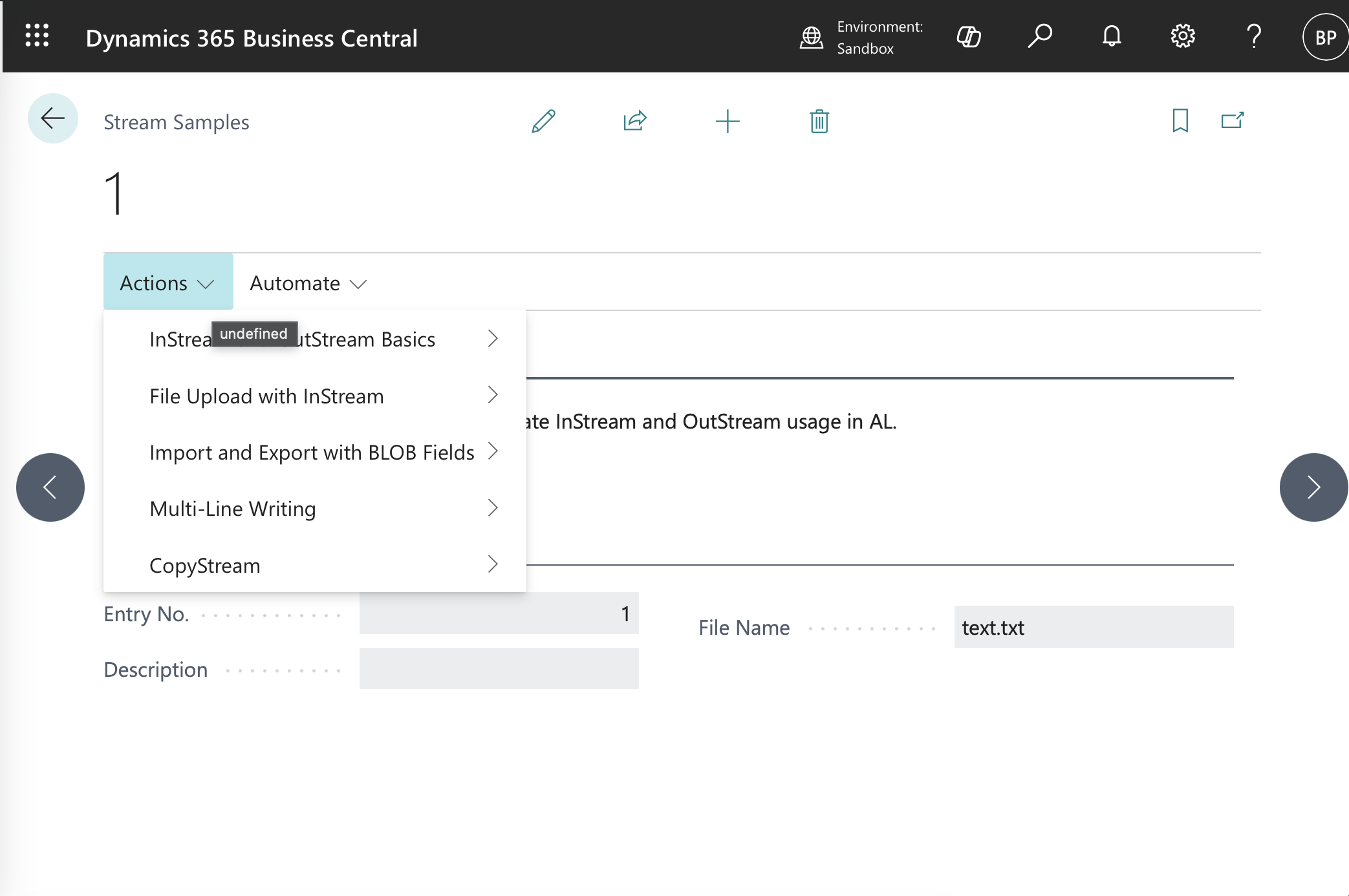
You can find the full code for the example on GitHub.
Why It Helps
Once the direction clicks, you’ll stop second-guessing which stream type you need. Whether you’re importing a file upload, exporting a report to XML, or passing data between extensions via TempBlob, knowing that InStream = Read and OutStream = Write keeps your code correct on the first try.
Learn more about InStream and OutStream on Microsoft Learn.
Got a favorite shortcut or workflow tweak? Share it in the comments and subscribe to dvlprlife.com for more Quick Tips like this one!