
I shipped 0.5.0 of Markdown Foundry — my VS Code extension for markdown people — and the headline change is something I should have built first: a right-click menu.
By 0.4.0, the extension had grown to forty commands. Tables, headings, lists, links, images, a TOC, half a dozen formatting toggles. Every one of them was reachable from the Command Palette, which is fine if you remember the names. A user who installed the thing yesterday probably doesn’t remember the names. They open a markdown file, right-click, see VS Code’s standard menu, and have no idea any of those commands exist.
So 0.5.0 fixes the discoverability gap.
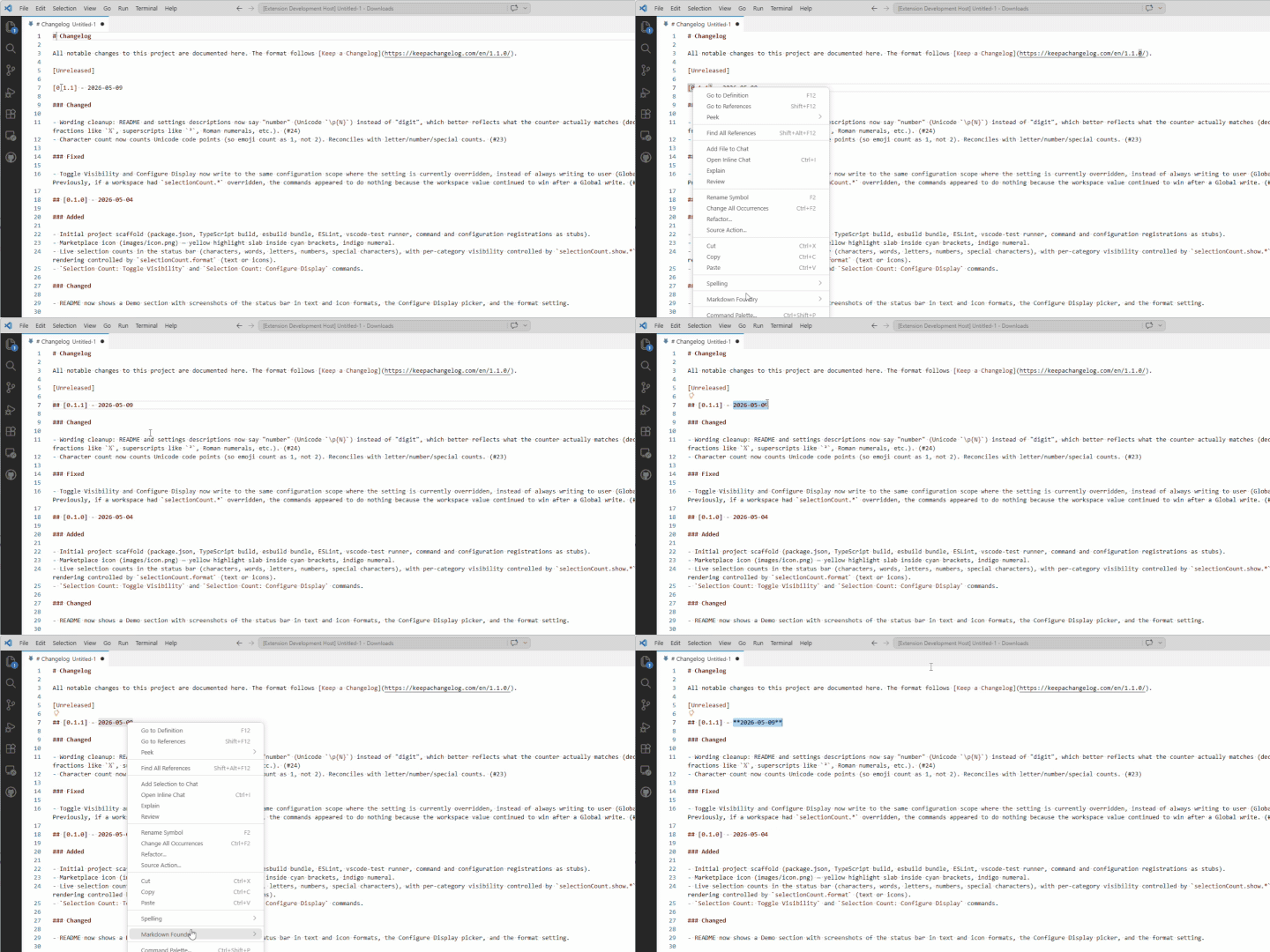
What’s in the menu
Right-click anywhere in a markdown file, and there’s now a Markdown Foundry submenu with everything in it, grouped into five sections:
- Inline — Bold, Italic, Bold+Italic, Strikethrough, Inline Code
- Block — Blockquote, Block Code, Bullet List, Numbered List, Task List
- Heading — Heading 1–6, Promote, Demote
- Insert — Horizontal Rule, Insert Link to File, Paste Link, Paste Image, Insert Table, TOC
- Table — Align, Insert/Delete/Move Row & Column, Sort
VS Code renders horizontal dividers between groups, so it scans cleanly. The Table section disappears when the cursor isn’t inside a table — there’s no point showing “Move Column Right” while you’re typing a paragraph. That uses the same markdownFoundry.inTable context key already powering Tab navigation between cells, so it costs nothing extra.
A few commands didn’t make the cut. The cell-navigation triggers (Next Cell, Previous Cell, Next Row) live on Tab, Shift+Tab, and Enter inside tables — putting them in a right-click menu would be noise. Convert Selection to Table is a paste-flow command, not a cursor-position one, so it stays in the palette. Everything else is in the menu.
The other 0.5.0 changes
The submenu is the photogenic feature. Three smaller things shipped alongside it.
Insert Link to File opens a quick-pick of every file in the workspace (current folder first, then alphabetical) and inserts a relative-path link at the cursor. If the file is an image, you get ; otherwise [text](path). When a selection is made, the selection becomes the link text. I built it to scratch a specific itch: writing a markdown post that links back to another file in the same repo, and being tired of typing the relative path by hand.
Toggle Task List Item used to operate on the cursor’s line only, even with a multi-line selection active. The two sibling commands — Toggle Bullet List and Toggle Numbered List — have already been applied to selections. Now, Toggle Task List does too. Plain lines become unchecked, unchecked become checked, checked become unchecked, all in one keystroke. Empty lines stay empty. With no selection, behavior is identical to before.
Paste Link got broader clipboard tolerance. It used to accept URLs from the clipboard. Now it also accepts absolute file paths and file:// URIs, which many file managers and screenshot tools drop on the clipboard. Image extensions become ; everything else becomes [text](path). Paths that don’t exist on disk are rejected, so a typo can’t sneak through.
On building this in the open
Most of the code that landed in 0.5.0 was written by Claude Code, working through a queue of GitHub issues — a planner agent reviews the issue, a worker agent writes the PR, a reviewer agent checks it against the acceptance criteria and our CLAUDE.md conventions before I merge. The submenu was a good test of the loop: a package.json-only change with a sharp acceptance criterion (the Table section must appear and disappear correctly), and the reviewer agent caught the one thing I missed — a missing PR link in the CHANGELOG entry — without me having to read the diff line-by-line.
The agent loop isn’t the post, but the velocity it enables is part of why these changes are showing up so quickly.
Markdown Foundry 0.5.0 is live on the marketplace. Right-click into it.